
Tuesday, November 19, 2019
How to make Portfolio - Graphic Design Portfolio - Powerpoint tutorial 2019
In this video I will show you how to make Portfolio in Ms Powerpoint


Monday, November 18, 2019
การ ทํา Portfolio Powerpoint - Powerpoint Tutorial 2019
 |
| Letterhead after design |
In this video I will show you how to make Portfolio in Powerpoint 2019.

First open Powerpoint and choose A4 paper


And this is the result.

Thursday, November 14, 2019
PowerPoint Tutorial - How To Make A Best PowerPoint Presentation #3
In this lesson I will show you how to make the Powerpoint Presentation in below:

First you need open the Ms PowerPoint
Then go to insert menu, choose Layout, blank layout

Insert a picture you want to use

And crop this picture if you want

Draw a rectangle shape, resize this rectangle

See this video below for more understand !
Wednesday, November 13, 2019
Top 10 Microsoft PowerPoint Tips and Tricks
Here is some tips and tricks for using PowerPoint. You can learn when see this video. It’s very easy. With this video you can learn some tips to help your presentation better.
This list below is the top of PowerPoint Tips and tricks:


This list below is the top of PowerPoint Tips and tricks:
1. The Eyedropper

2. Morph Transition

3. Remove Background

4. Ink Equation

5. Reorder with Alt + Shift

6. Copy quickly with Ctrl + Drag

7. Edit Shape Point

8. Animation A Chart

9. Rulers, Guides, Snap Object

10. Collapse the Ribbon

For more detail how to do, please see this video
How to make video in text in Filmora Wondershare 9 - Filmora tutorial
In this lesson I will teach you how to make video in text in Filmora Wondershare 9.
First you need open the Filmora 9


First you need open the Filmora 9
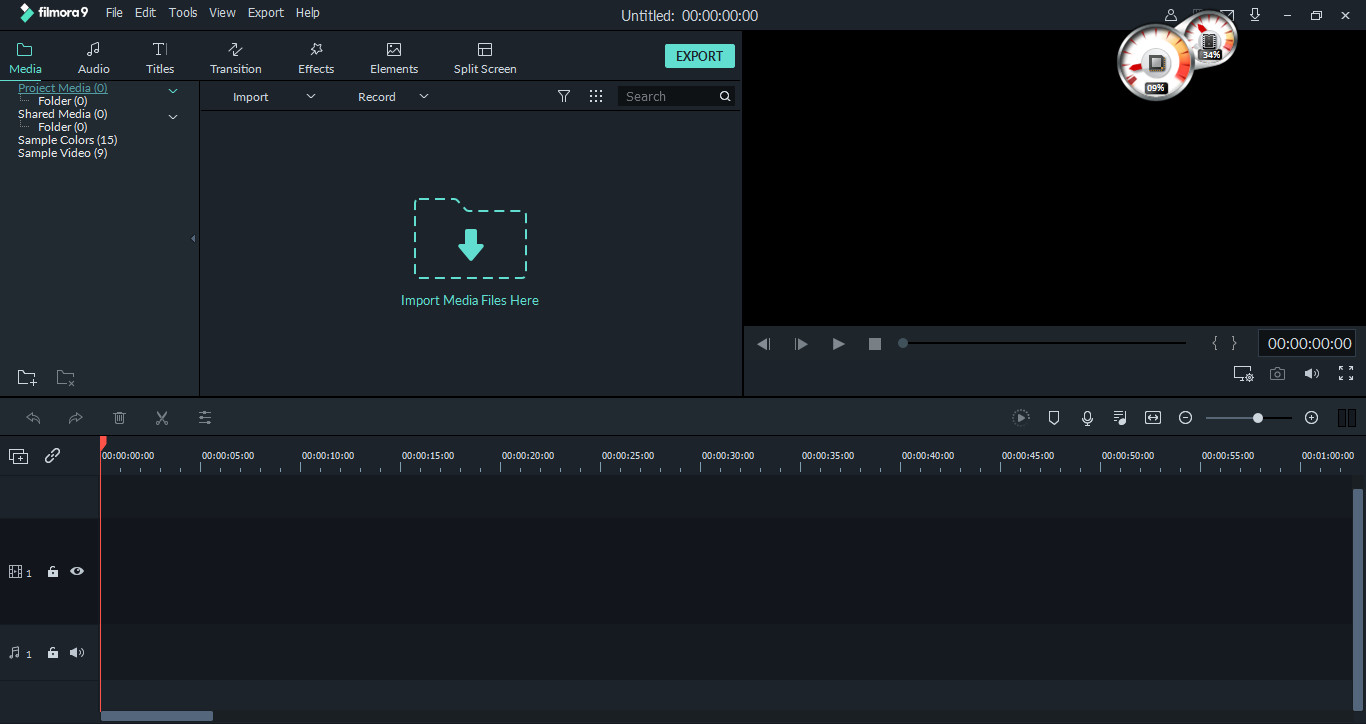
Then Go to Title tab, choose the text template you want. click and drag to timeline

you can see this

Double click on this track text to edit text, change font, size and color...

In this picture below you can see that you can edit text, change font, color.... if you want

Then adjust duration, and export video. After export video you need import this video to timeline...
For more detail, please see this video
How to Add Video In Text - Filmora Tutorials
Make video in text is one of the often effects I use in Filmora video editor. In this lesson, you will learn detail about how to add video to text by use Filmora9 video editor. You can add video to text and share your video content with the world in just a few minutes. And in my channel you can learn and see more video about filmora effects such as: glitch text effect, shake effects...
Learn Filmora for beginners: http://bit.ly/2MGqEid
Friday, November 8, 2019
Subscribe to:
Posts (Atom)