Here is some tips and tricks for using PowerPoint. You can learn when see this video. It’s very easy. With this video you can learn some tips to help your presentation better.
This list below is the top of PowerPoint Tips and tricks:
Make video in text is one of the often effects I use in Filmora video editor. In this lesson, you will learn detail about how to add video to text by use Filmora9 video editor. You can add video to text and share your video content with the world in just a few minutes. And in my channel you can learn and see more video about filmora effects such as: glitch text effect, shake effects...
Learn Filmora for beginners: http://bit.ly/2MGqEid
In this lesson I will teach you how to make smoke text effect in Filmora wondershare 9. Filmora9 makes it easy to create text & titles that match your style. You can even add animated text effects like dialog balloons. Captions, lower 3rds,subtitles, openers, and end credits are among the text options available in Filmora. In this guide you will learn how to add video, add smoke effects to video, add text.
How to add video.
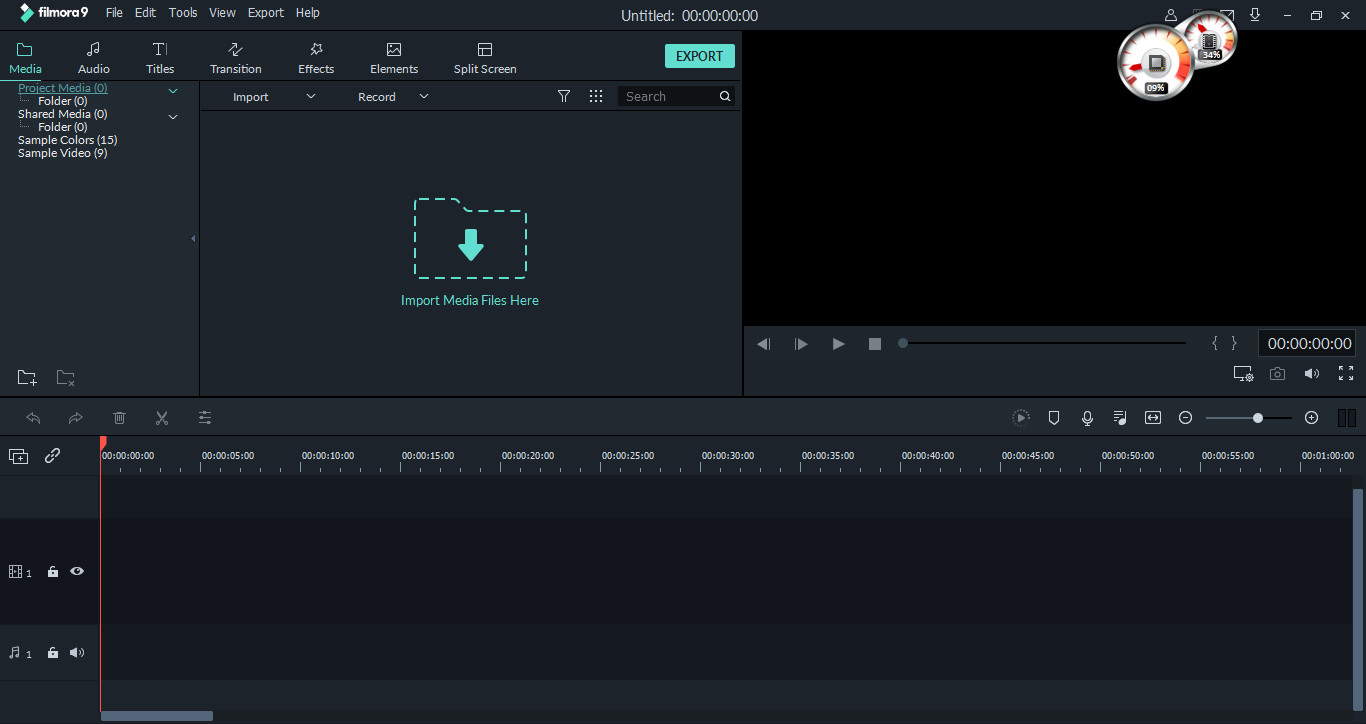
First open Filmora video editor
Then click import media filre here, choose video you want
Then drag video to timeline
For more detail , please see this video below: